Run your whole cabinetry business from one place.
Leads, 3D design, proposals, factory orders, finance and follow-up, in one system connected to the factory that builds your cabinets, at factory pricing.
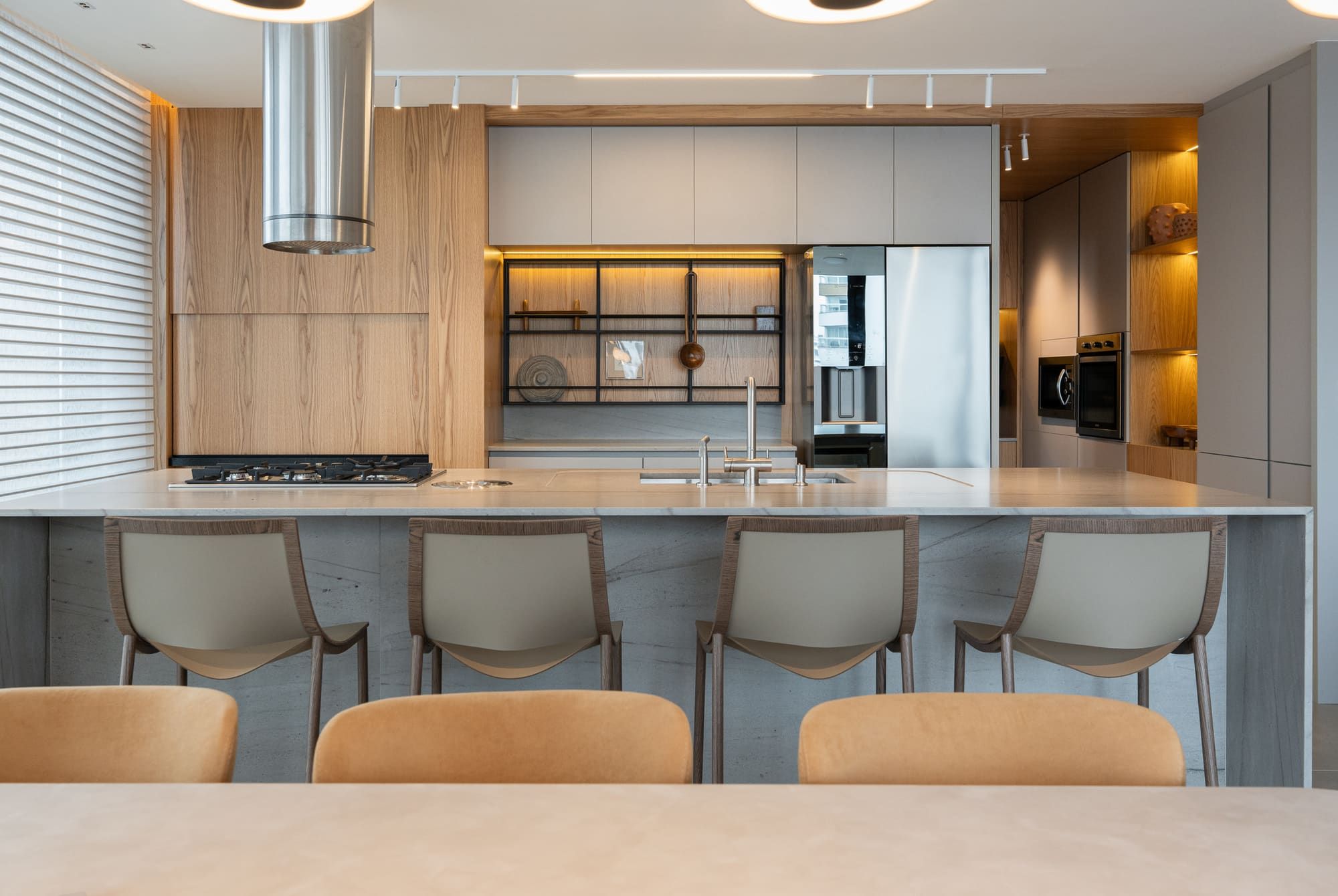
From the first call to the call a year after the install.
Most shops run on a CRM, a design program, spreadsheets, a calendar, a group chat and a notebook. PRIM replaces the pile with one record per client that follows the job all the way through.
- 01
Capture
Every inquiry lands in one place, goes to the right person and gets a reply in minutes.
- 02
Design
Design the room in 3D on the factory catalog, with the price updating as you go.
- 03
Propose
Send a proposal with the render, the price and your margin already worked out.
- 04
Order
The signed design goes to the factory without retyping. Production is tracked for you.
- 05
Install
Arrival forecasts, delivery tasks and client reminders before the crew shows up.
- 06
Follow up
Surveys, check-ins and special dates that bring the next referral.
Every lead answered. Every proposal priced right.
New inquiries land in PRIM, go to the right salesperson and get a first reply before your competitor calls back. From there, the pipeline, the conversations and the proposal live on the same client record.
- Leads routed on arrival. Website and campaign leads are assigned by location or in turn, so nobody sits in an inbox overnight.
- Pipeline you can read at a glance. Drag clients through your stages, log lost reasons and see what is stalled before it goes cold.
- SMS, WhatsApp and email in one inbox. Templates with client details filled in, automatic follow-up sequences and opt-out handled for you.
Design in 3D, with the real price as you go.
PRIM Studio runs in the browser. You build the room with the same modules the factory produces, the rules are checked while you design, and the total updates with every change. What you show the client is what the factory can build.
- Nothing to install. Open a project from any computer. Your work saves itself every few seconds and keeps a history of versions.
- The factory catalog, not a generic library. Cabinets, panels, doors, handles and finishes come from the line the factory actually produces.
- Rules checked while you design. Sizes outside the allowed range are flagged on the spot, with the closest valid option one click away.
Order from the factory. Watch it all the way to the install.
When the client signs, the order goes to the factory from inside PRIM. Our order desk reviews it, places it and keeps the timeline updated, so you always know where every kitchen is: in review, in production, on the water or on the truck.
- One click from sale to order. The approved design, additional items and attachments go together. Nothing is retyped.
- Reviewed before production. Our order desk checks every order and asks for changes in the same thread if anything is off.
- Production you can see. Factory lot, order number and status on every job, with a forecast date for arrival.
The numbers of the business, without a separate system.
Every sale already carries its payment schedule, costs and commissions, so finance builds itself as you sell. Owners see cash flow and profit by branch; the team sees only what their role allows.
- Receivables and payables. Installments, partial payments, recurring bills and numbered receipts, by branch.
- Cash flow and profit. Profit and loss, cash flow and the result of every sale, with bank statements matched to entries.
- Commissions worked out for you. Salespeople, designers, managers and referral partners, each paid by the rule you set.
After the install is where referrals start.
PRIM keeps working after the last cabinet is in. Clients get a short survey, your salespeople get reminded to check in, and anniversaries and birthdays turn into reasons to call. Happy clients become referrals, and referrals become your best leads.
- Automatic satisfaction survey. Sent after the installation, with the answers on the client record and an alert when someone is unhappy.
- Reminders for your salespeople. Check-in tasks at the right moments, so every client hears from you again without anyone keeping a list.
- Special dates. Install anniversaries and client birthdays become a message, a call or a visit.
Most software stops at the proposal. PRIM goes to the factory floor.
The catalog you design with is the line the factory produces. The price you see is the factory's price. The order goes in without retyping, and you watch it all the way to your door.
How factory pricing works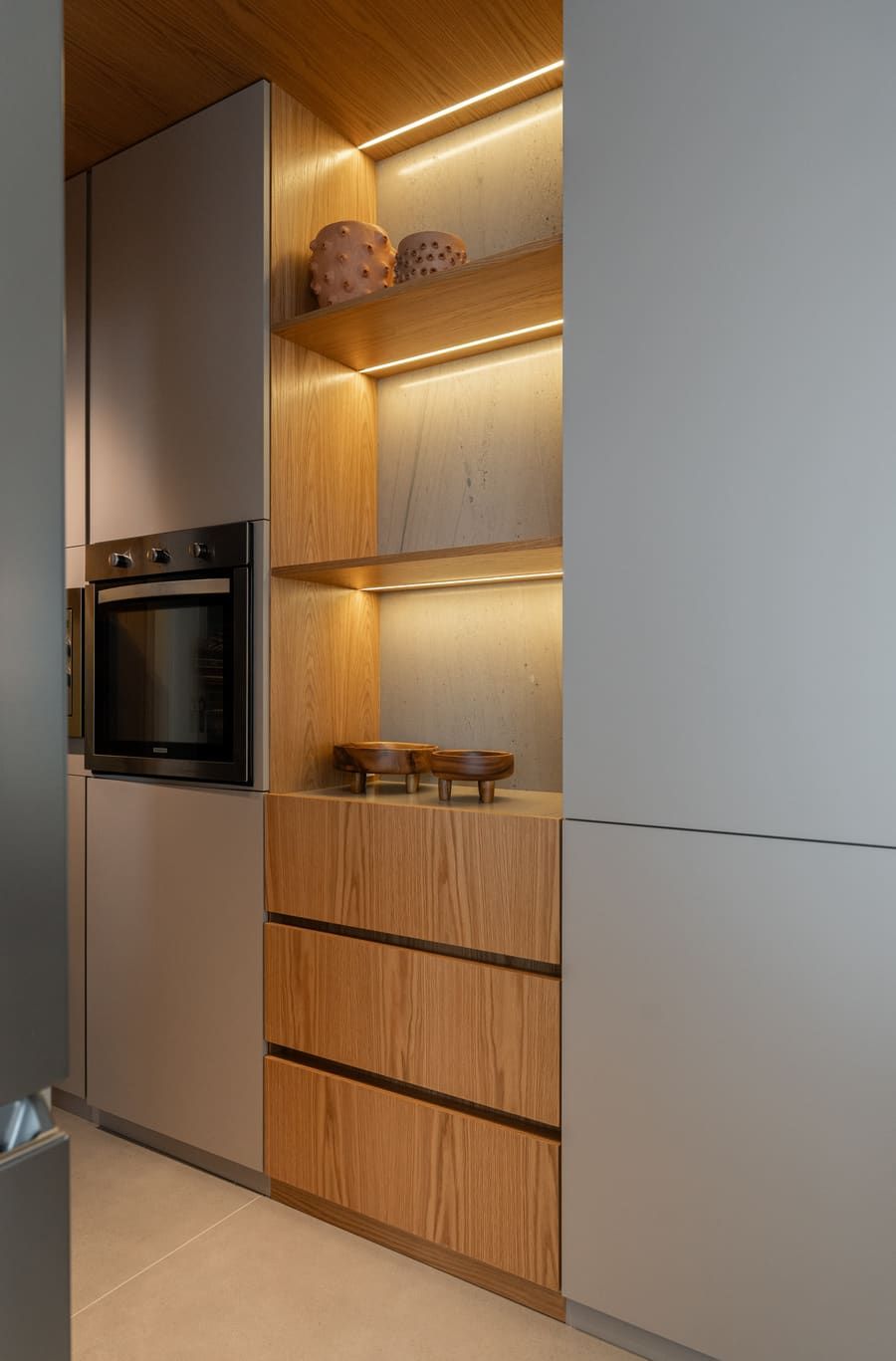
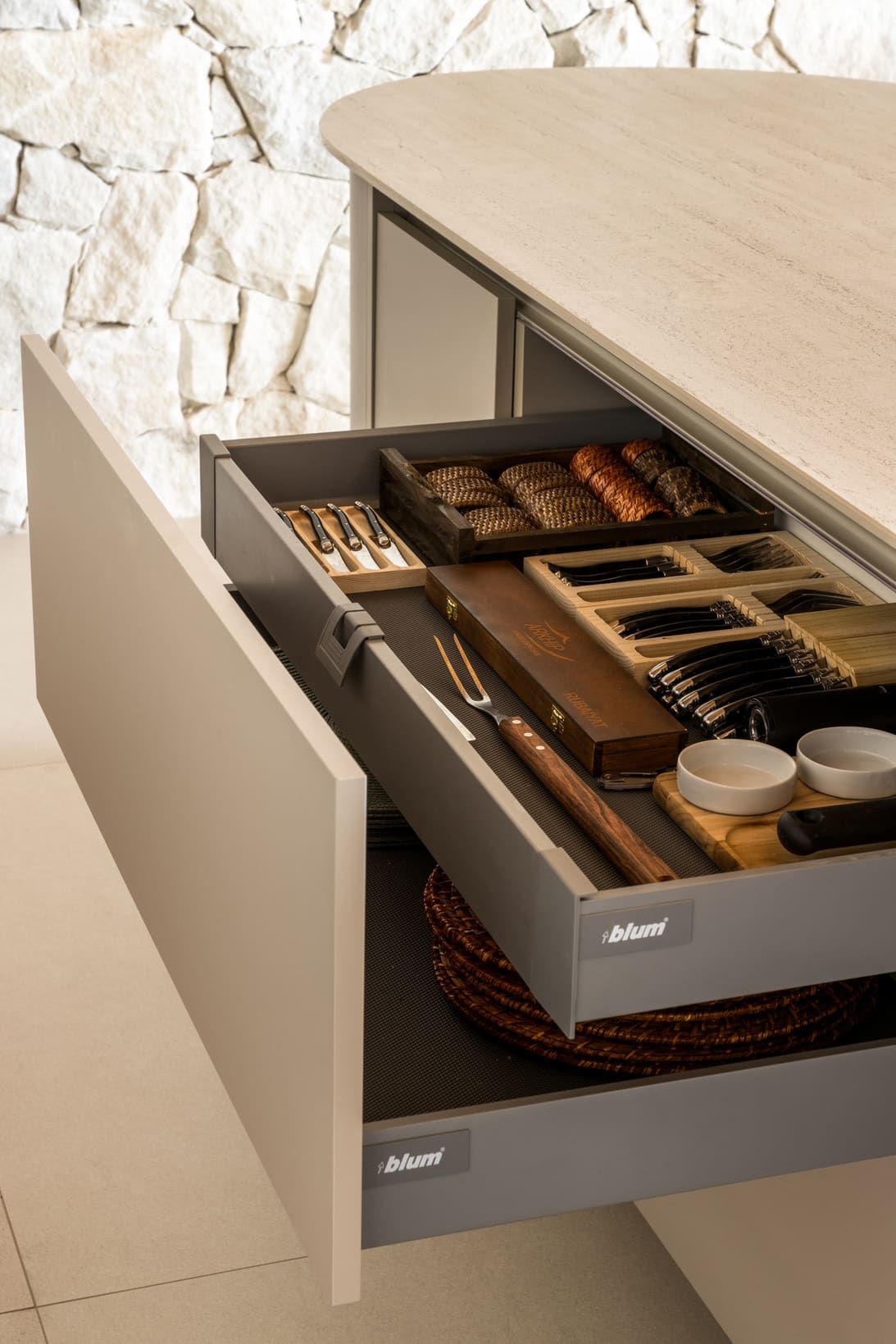
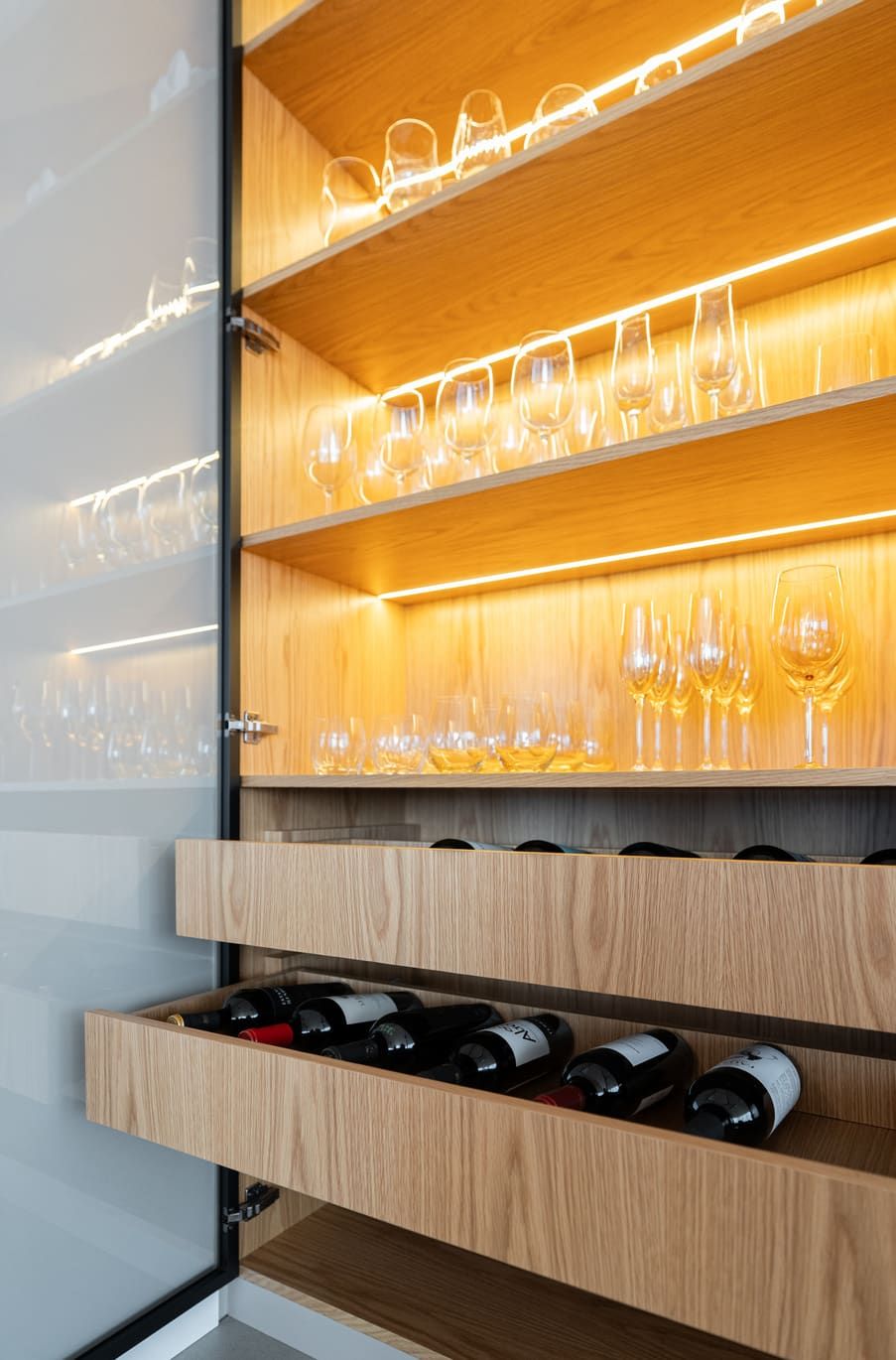
Built for the people who design, sell and build cabinetry.
Cabinet shops
Stop rebuilding every quote by hand. Design, price and order in the same place.
See how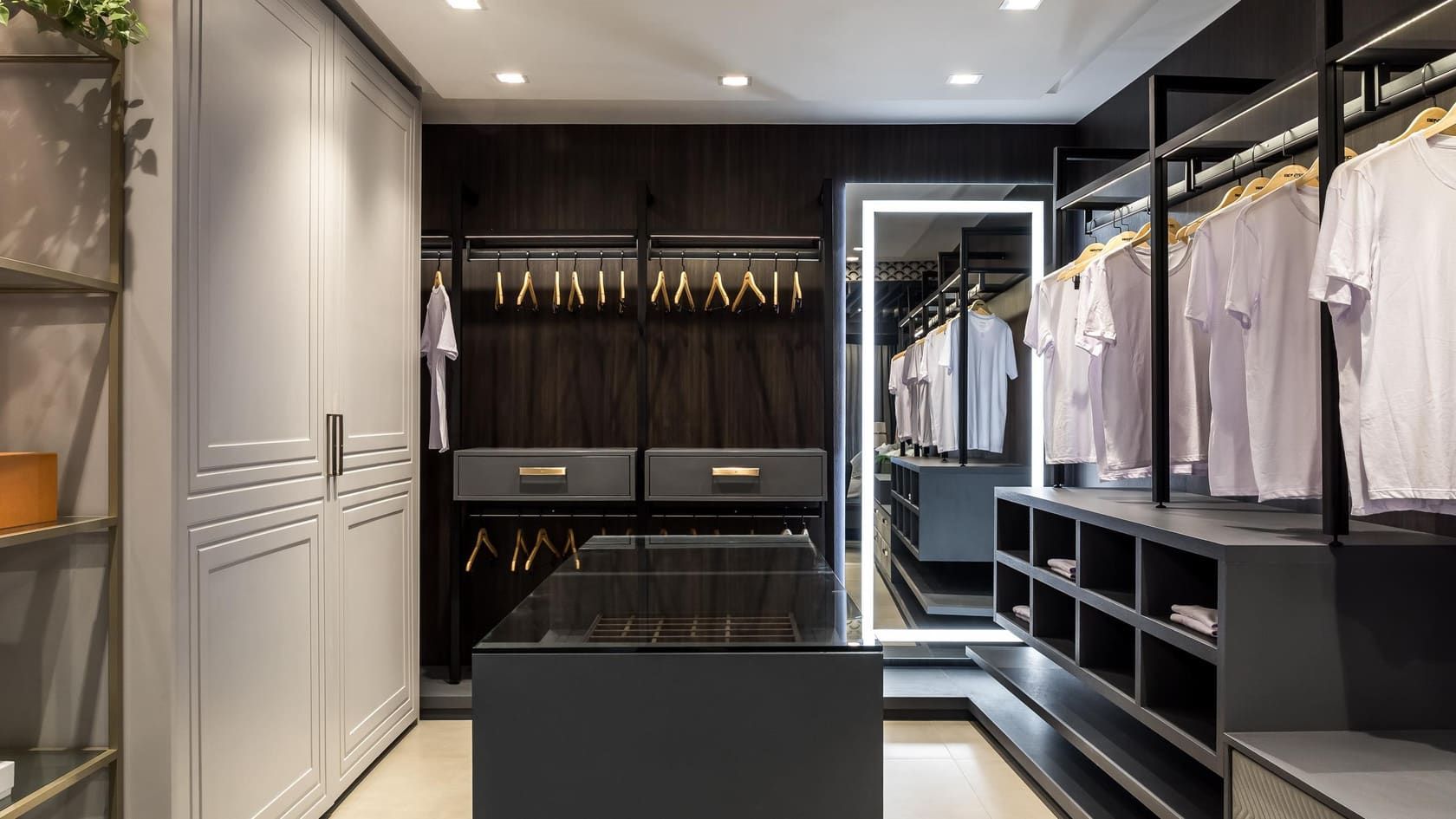
Dealers & showrooms
Keep your showroom. Add a factory line with better margins, and a system that runs the store.
See how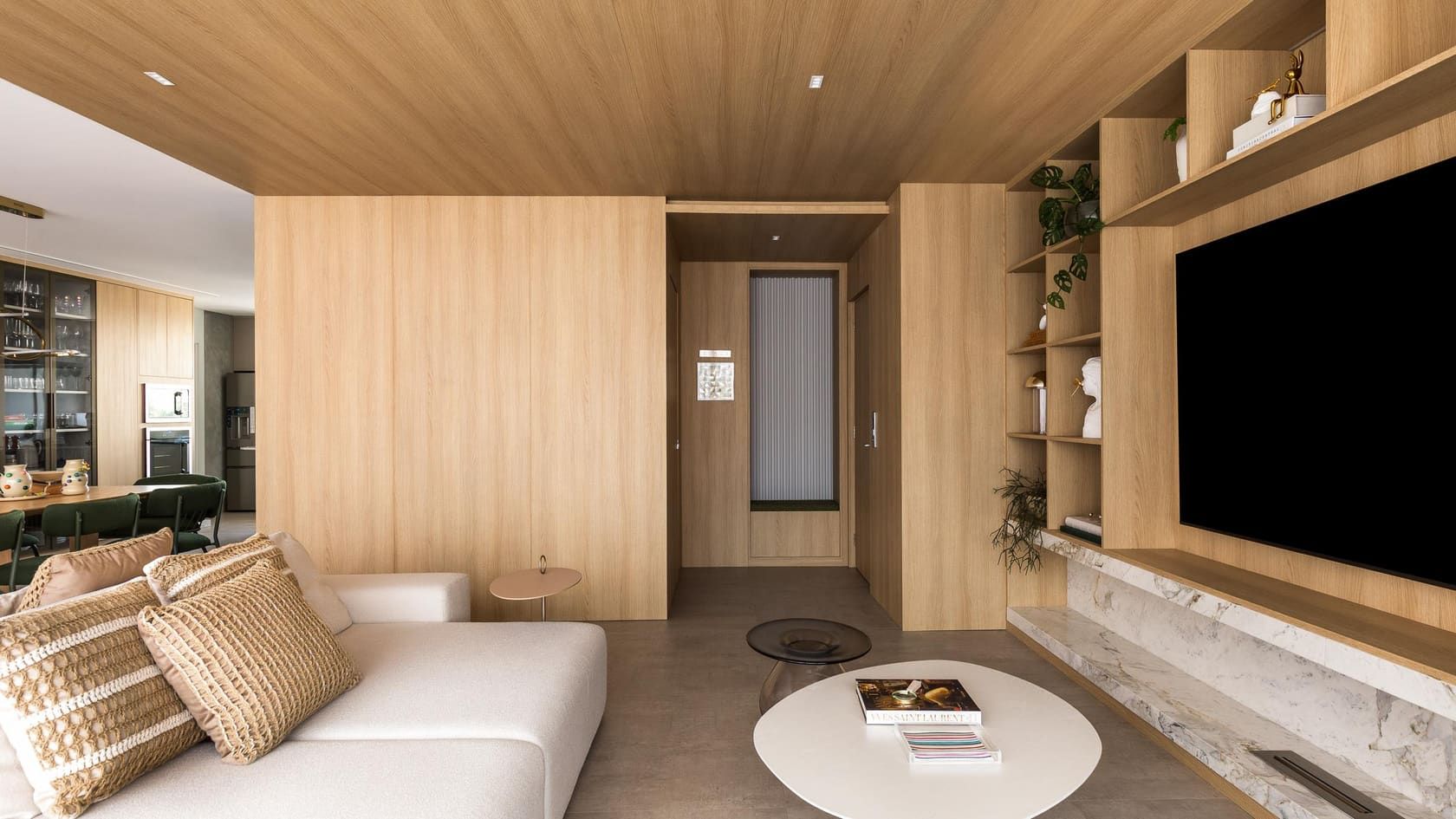
Designers & architects
Show clients a real 3D design with a real price, and get paid on every project you bring.
See how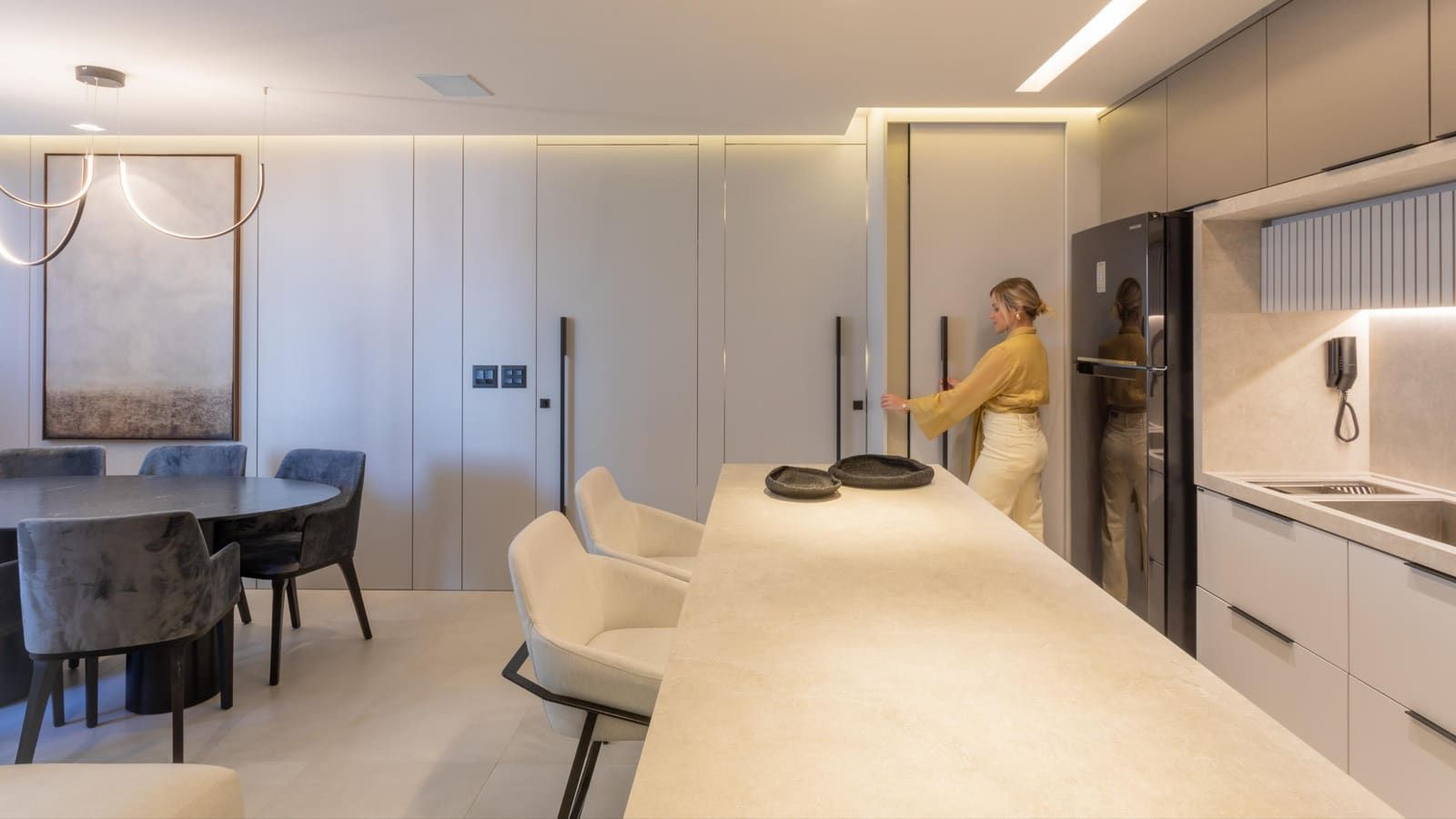
Builders
One partner for cabinetry across every home you build: priced, scheduled and tracked.
See how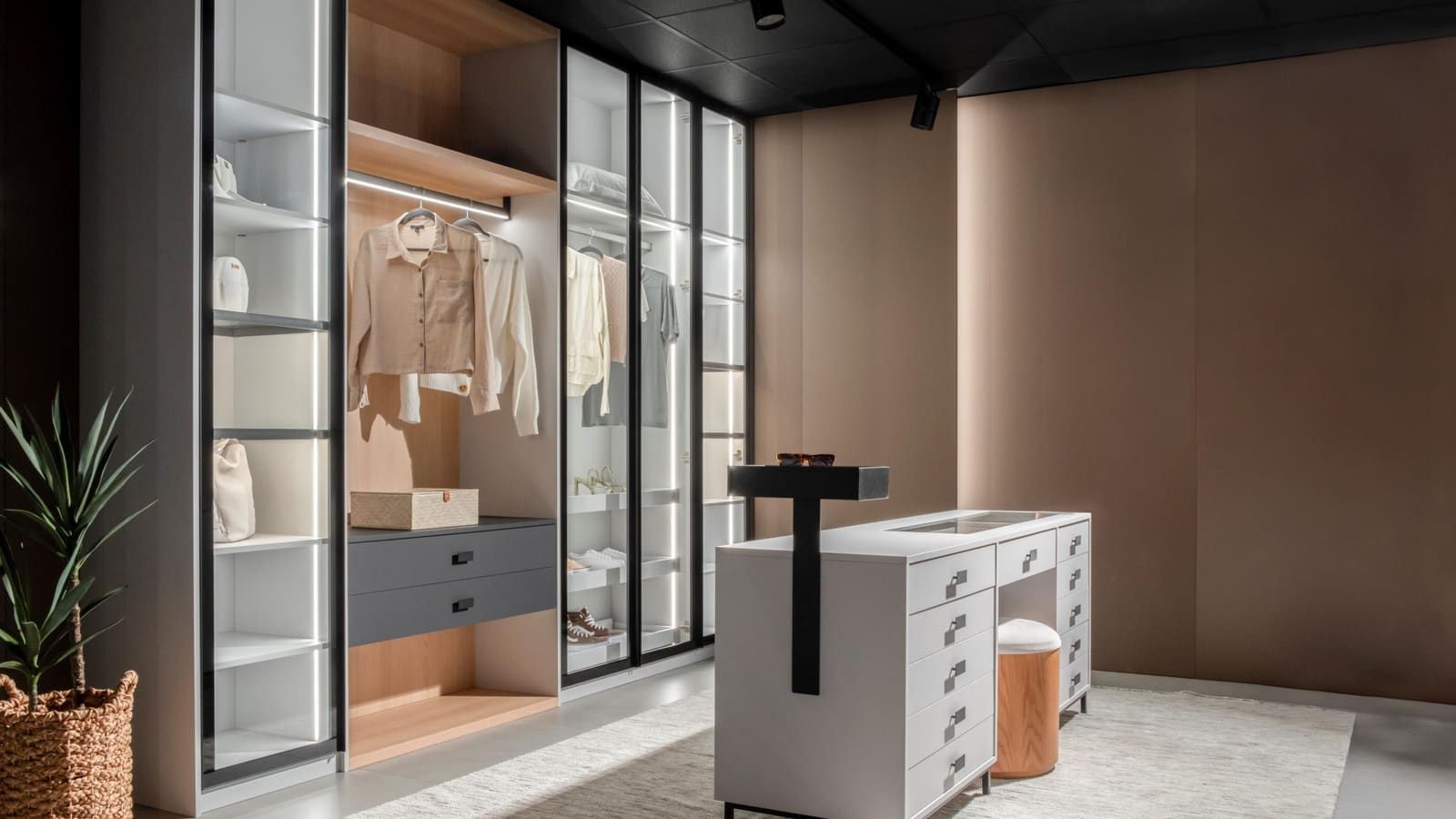
We run our own design studio on PRIM.
Before offering PRIM to anyone, we put our own Florida showroom on it. Every lead, design, order, installation and follow-up goes through the same system you will use, with the same factory behind it.
- 01
Real projects
Kitchens, closets and built-ins for real clients, every week.
- 02
Real orders
Ordered from the factory and tracked to the install.
Notes on running a cabinetry business.
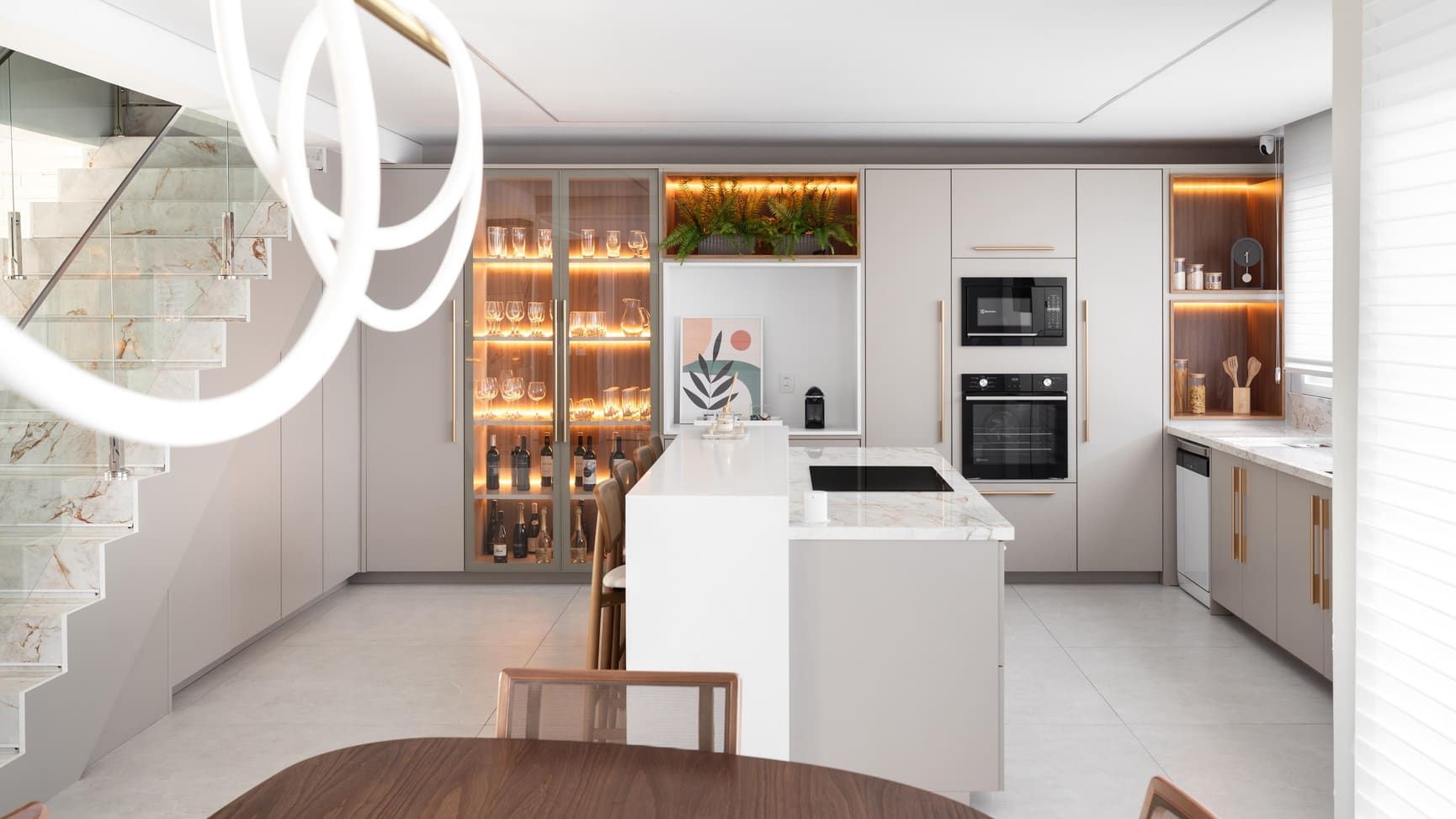
Why cabinet quotes take a week, and how to quote in the meeting
The delay between the visit and the price is where most custom cabinetry deals cool off. Here is where the time goes and how to win it back.
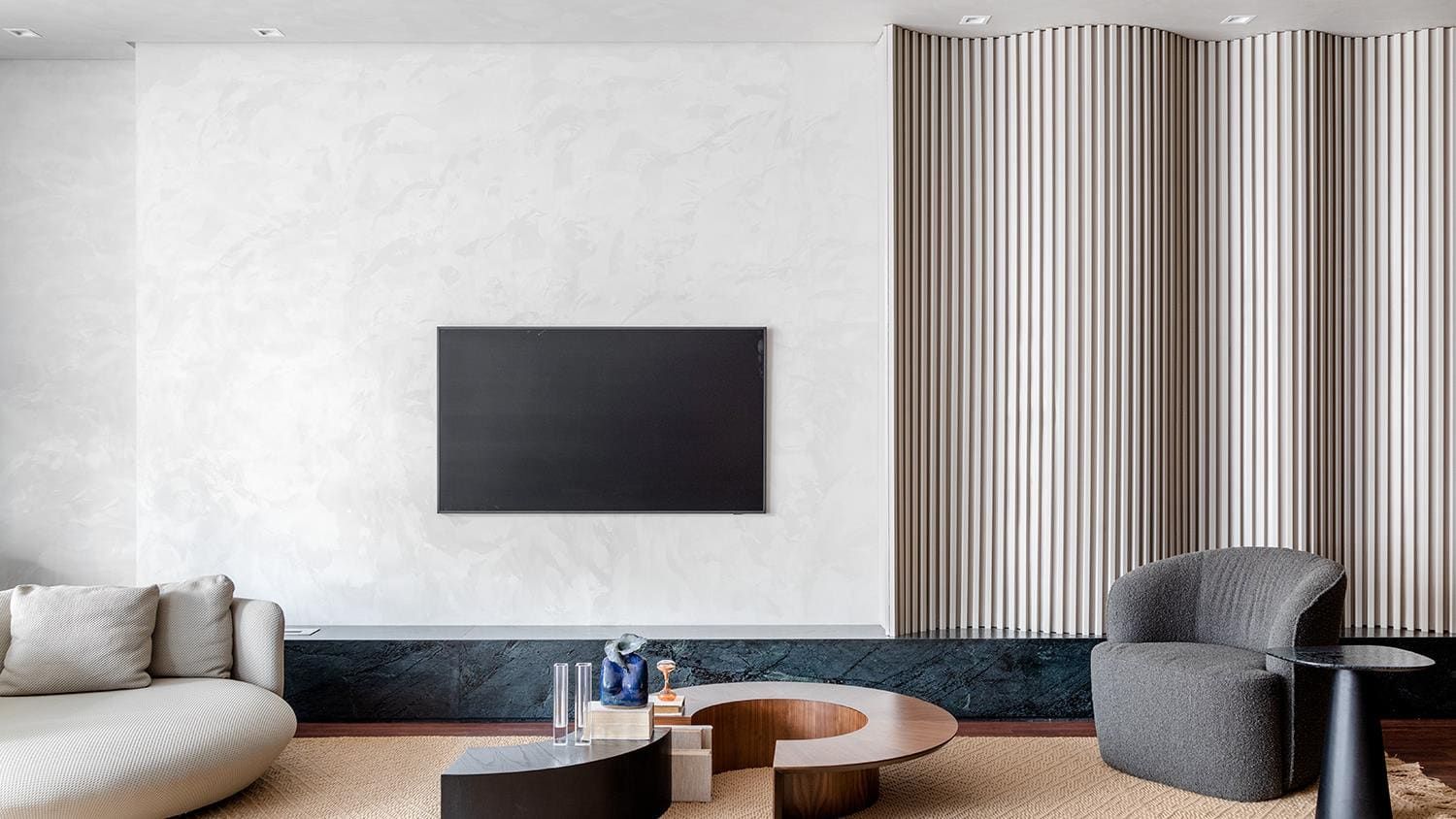
The follow-up after the install that brings in referrals
Most custom cabinetry businesses go quiet the day the crew leaves. A simple follow-up plan turns happy clients into your best source of new work.
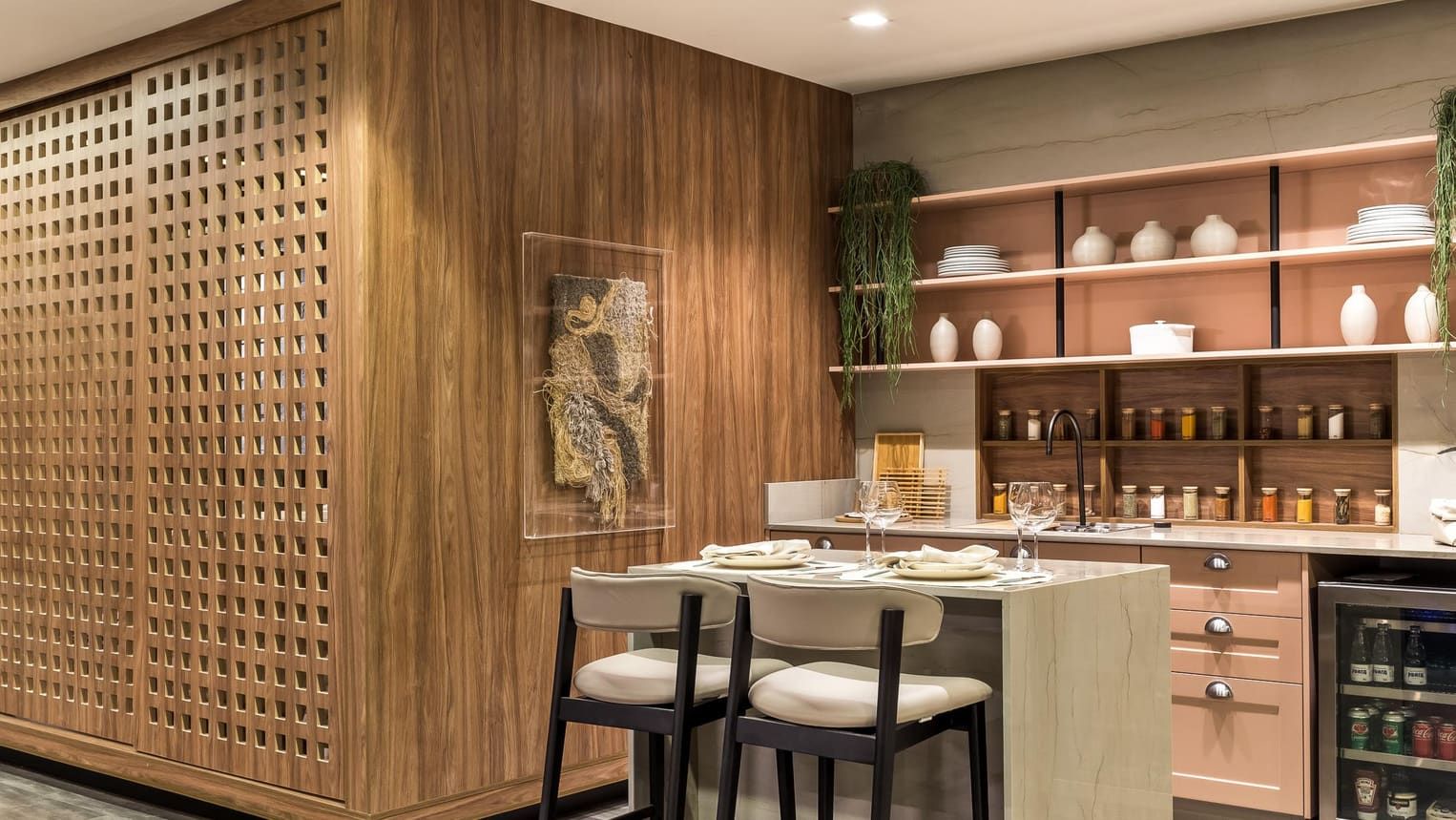
Buying direct from the factory: what changes for a cabinet dealer
Adding a factory-direct custom line changes more than the price. Here is what dealers and showrooms should expect, and what to ask before they switch.
See your next project in PRIM.
A 30-minute demo with your own kind of project: a lead coming in, a room designed and priced, the order on its way to the factory.